Digital Bill Tracking With A Bill Payment App Made Simpler
A bill payment app can help users manage regular payments such as electricity bills, mobile recharges, broadband charges, water bills, gas payments, insurance premiums, rent-related payments, and other recurring expenses. Instead of tracking every bill manually, users can use one digital platform to view due dates, make payments, and save transaction records.
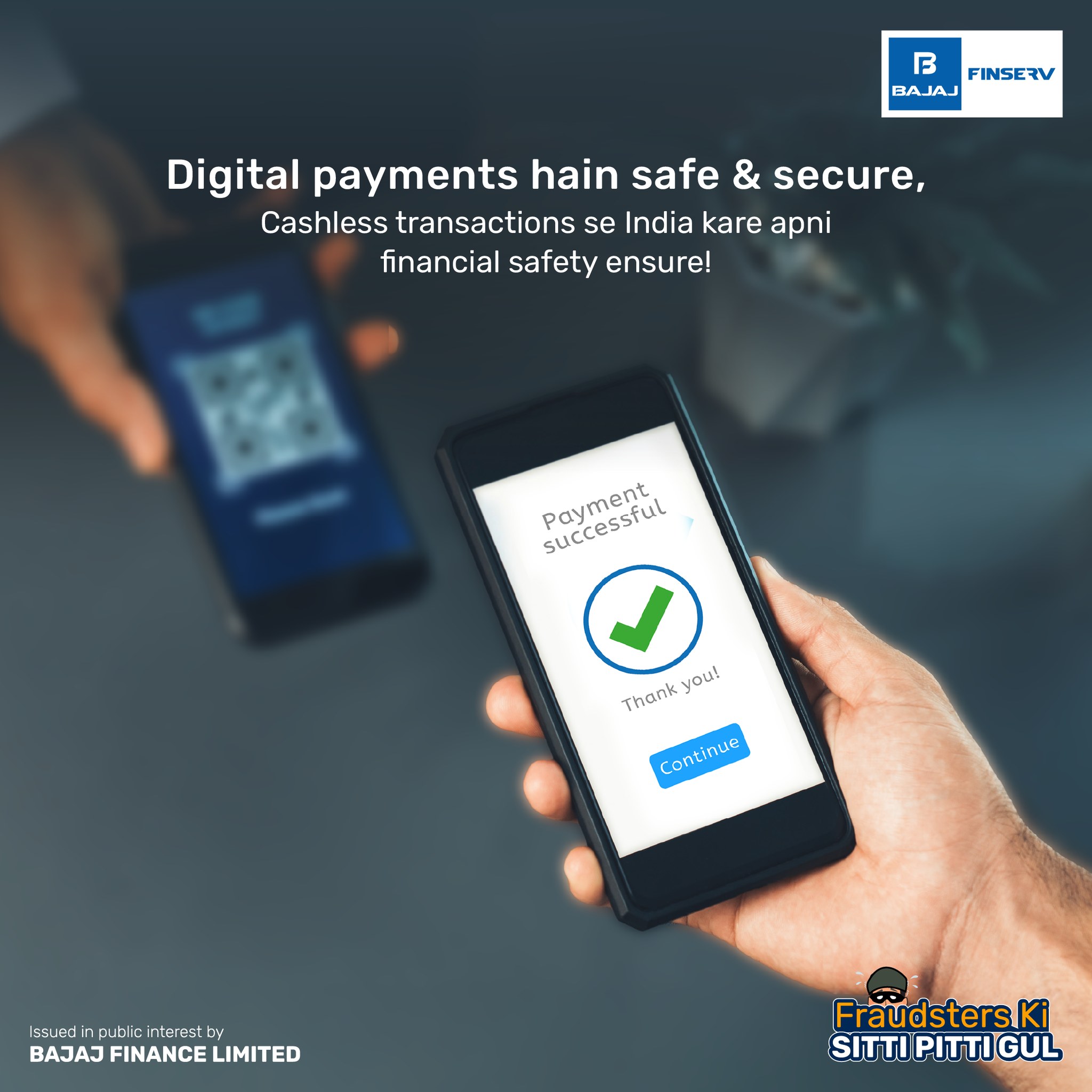
Some users also keep savings products like an FD for future needs, but regular bills should ideally be planned from monthly income. A bill payment app is most useful when it helps users stay organised, avoid late fees, and maintain better control over household or business expenses.
The Main Problem A Bill Payment App Solves
The biggest challenge with regular bills is not always the payment itself. The real issue is remembering due dates, tracking amounts, checking failed transactions, and keeping receipts.
A bill payment app can help users manage:
- Multiple billers
- Monthly due dates
- Payment reminders
- Recharge history
- Failed transaction records
- Payment receipts
- Refund status
- Auto-pay settings
- Subscription renewals
- Monthly spending review
This makes the app useful for both convenience and budgeting.
Step 1: Add All Important Billers
Users should begin by adding all regular billers in the app. This reduces the need to search for account numbers or payment links every month.
Common billers may include:
- Utility Billers
Electricity, water, gas, and broadband providers.
Mobile And DTH Services
Prepaid recharges, postpaid bills, and entertainment services.
Financial Payments
Credit card bills, insurance premiums, and loan-related payments.
Household Services
Maintenance, rent-related payments, or local service bills where available.
Business Payments
Internet, electricity, vendor payments, and subscription tools for small businesses.
Adding billers correctly helps reduce payment errors.
Step 2: Set Payment Reminders
A reminder system can help users avoid late charges. Even if payments are digital, missed due dates can still create penalties or service interruptions.
A good reminder setup should include:
- Bill name
- Due date
- Reminder date
- Expected amount
- Payment mode
- Biller account number
- Payment status
- Receipt location
- Failed payment note
- Next billing cycle
Users can set reminders a few days before the due date to avoid last-minute issues.
Step 3: Check The Final Amount Before Paying
Bill amounts may change every month. Users should check the final payable value before confirming payment.
Important checks include:
- Biller name
- Consumer number
- Billing month
- Due date
- Late fee, if any
- Tax or service charges
- Previous balance
- Discount or cashback, if applicable
- Final payable amount
- Payment confirmation screen
This reduces the chance of wrong or duplicate payments.
Step 4: Save Receipts Properly
A successful payment should always have a receipt or transaction record. Receipts are useful when the biller does not update payment status or when users need proof later.
Good receipt habits include:
- Download payment receipt
- Save transaction ID
- Keep SMS confirmation
- Store email receipt
- Take screenshots when required
- Create monthly folders
- Match with bank statement
- Track failed transactions
- Save refund communication
- Review payment history
Receipt tracking is especially useful for business users and families managing many bills.
Step 5: Watch Failed Or Pending Payments
Digital payments may sometimes fail or remain pending. Users should not make repeated payments without checking the status.
A safer process includes:
- Check in-app transaction history
- Review bank debit alert
- Save transaction ID
- Wait for status update
- Contact official support
- Confirm with biller
- Track refund timeline
- Avoid multiple retries
- Keep all proof
- Recheck bill status later
This can prevent duplicate payment and unnecessary confusion.
Step 6: Review Monthly Bill Trends
A bill payment app can also help users understand how their expenses change over time. This is useful for reducing unnecessary costs.
Users can review:
- Total monthly bills
- Highest bill category
- Seasonal increase
- Unused subscriptions
- Late fees paid
- Failed transactions
- Recurring recharges
- Insurance due dates
- Annual payments
- Possible savings areas
This turns bill payment into a budgeting habit.
Step 7: Use Auto-Pay Carefully
Auto-pay can help users avoid missed due dates, but it should be reviewed regularly. If account balance is low, auto-pay failure may create issues.
Before enabling auto-pay, users should check:
- Linked bank account
- Payment date
- Maximum debit amount
- Biller details
- Cancellation process
- Failed payment rules
- Receipt availability
- SMS alerts
- Renewal date
- Available balance
Auto-pay should support convenience, not unnoticed spending.
Step 8: Keep Payment Safety In Mind
A bill payment app should be used with basic digital safety habits. Users should avoid unknown links or fake bill reminders.
Important safety checks include:
- Use official apps only
- Avoid unknown payment links
- Check biller name before paying
- Do not share OTPs
- Do not share UPI PIN
- Keep phone lock active
- Use secure internet
- Monitor bank alerts
- Save receipts
- Report suspicious activity quickly
Safe payment habits protect both money and personal details.
When A Bill Payment App Is Most Useful
A bill payment app can be helpful when users manage multiple recurring expenses or want better payment discipline.
It may be useful for:
- Families with many monthly bills
- Working professionals
- Small business owners
- Users managing subscriptions
- People who often miss due dates
- Users tracking household budgets
- People paying insurance premiums
- Users managing recharges
- People who want digital receipts
- Users who prefer payment reminders
The app works best when users review payment records regularly.
Conclusion
A bill payment app can simplify recurring payments by helping users track due dates, pay bills, save receipts, manage reminders, and review monthly expenses. It can reduce late fees and make household or business payments more organised.
Before depending on an instant loan for regular bills, users should first check whether better payment planning, expense tracking, or reducing optional subscriptions can solve the cash gap. Digital bill management works best when it supports timely payments and better budget control.